Weekly Reflections
Below is where you will find my five course reflections for EDCI 336.
Reflection #1 – Data Privacy, Consent, and Open Copyright

Picture Attribution:
Photo By Fernando Arcos on Pexels https://www.pexels.com/photo/white-caution-cone-on-keyboard-211151
What?
In class on September 18th, we discussed the importance of keeping students personal information confidential and how we can better protect ourselves against identity theft. Today, technology is a major part of learning in the classroom, with this it is important we educate our student on privacy, misinformation and online safety. By developing students understanding of the dangers that come with using the web, our goal is for students to protect their personal information, evaluate online information and make safe and thoughtful decisions online.
So What?
It is important for teachers to educate children on privacy matters and online safety. As a future teacher I will do a lesson on internet safety to educate my learner’s on how to navigate the internet. I could begin this lesson by showing the class internet safety tips. I then found a excellent resource with three built in lesson plans to educate students on privacy rights, digital literacy and online safety. The website, New Lesson Plans for Educators: Privacy Rights, Digital Literacy and Online Safety, is worth checking out. In order to keep our learners safe inside and outside of classtime, it is important we as educators make an effort to incorporate lessons similar to the examples represented above.
Now What?
After learning about the importance of privacy and safety online through the Freedom of Information and Protection Privacy Act (FIPPA), I will be more careful about sharing images, data or personal information. For example, I will be more aware of what my social media looks like and put privacy settings on where possible to keep my personal and profession worlds separate. In saying this as a future teacher I will be more aware of privacy and confidentiality for the learners in my classroom. I will keep students information private, discuss students in private spaces, protect student records and educate them within the classroom.
Reflection #2 – Open Education Resources (OER)
Picture Attribution
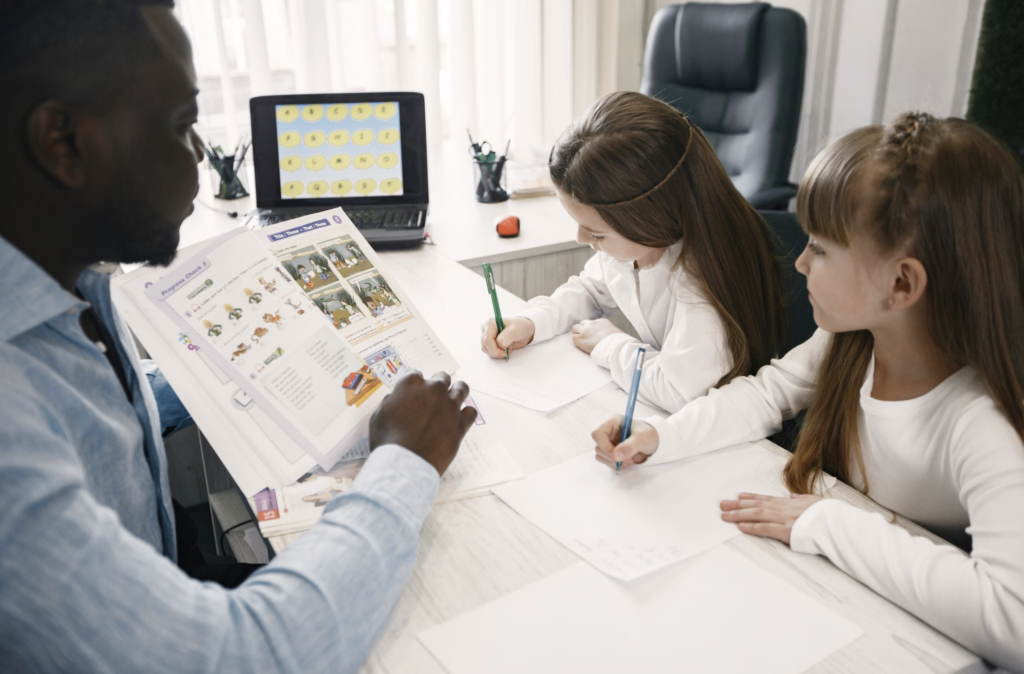
Photo by Gustavo Fring on Pexels. https://www.pexels.com/photo/a-man-teaching-his-students-7156113/
What?
During class on September 25th, we discussed Open Education Resources and how we can implement them into our classrooms one day. Through this we learnt the defintion of copy right which esentially means if you create something digitally you hold copyright for it. Additionally, we learnt about Creative Common which many teachers would search for when looking to pull from various resources for lessons. If you see the CC (Creative Commons) logo you are allowed to include them in lessons as long as you attribute (give thanks) to the source. I found this lesson super valuable because as students we are always so worried about copyrighting resources we do not have the right to use. As someone that is going to be a first year teacher in the next few years, I feel more relaxed knowing their are so many valuable resources out to help teachers in supporting their students.
So What?
It was very important for us as future educators to know what is too far in using additional resources. By having this education on Open Education Resources we as teachers are able to find the resources available to us and not overstep in terms of privacy. The rule of thumb we learnt about is if something is not publicly available you can not share it in lessons. For example Netflix you have to sign up for whereas YouTube is publicly available and safe to share with your class. I will use this information moving forward into my career as an educator by incorporating Open Education Resources into my teaching practice.
Now What?
As I move forward in the career of education I will do my part in furthering my research in open education. I will begin this by going to the resources Micheal mentioned in our lecture. Some of these resources are Google, Teachers Pay teachers, Chat GPT, Twinkl, and OER Commons. The points my classmates brought up I found particularly interesting. They mentioned that in their Link2Practice, their mention teachers were using Chat GPT to form step my step instructions and math worksheets. I find Chat GPT is put in such a negative light but I do believe as someone that struggles with simply getting pen to paper with assignments or tasks. I feel I could benefit in having a simple conversation before beginning lessons I will put together in my class. I understand that their are co-workers you may be able to consult this information with but those resources are not always available and Chat GPT could be a great second option. I will apply what I learnt in this lecture about Open Education Resources by using open education resources in my lessons and share various resources with student. Saying this I do not want to pick resources that are not accessible rather I will find resources that are free, inclusive and appropriate for various learning needs.
Reflection #3 – Social Media and Mobile Technology
Picture Attribute
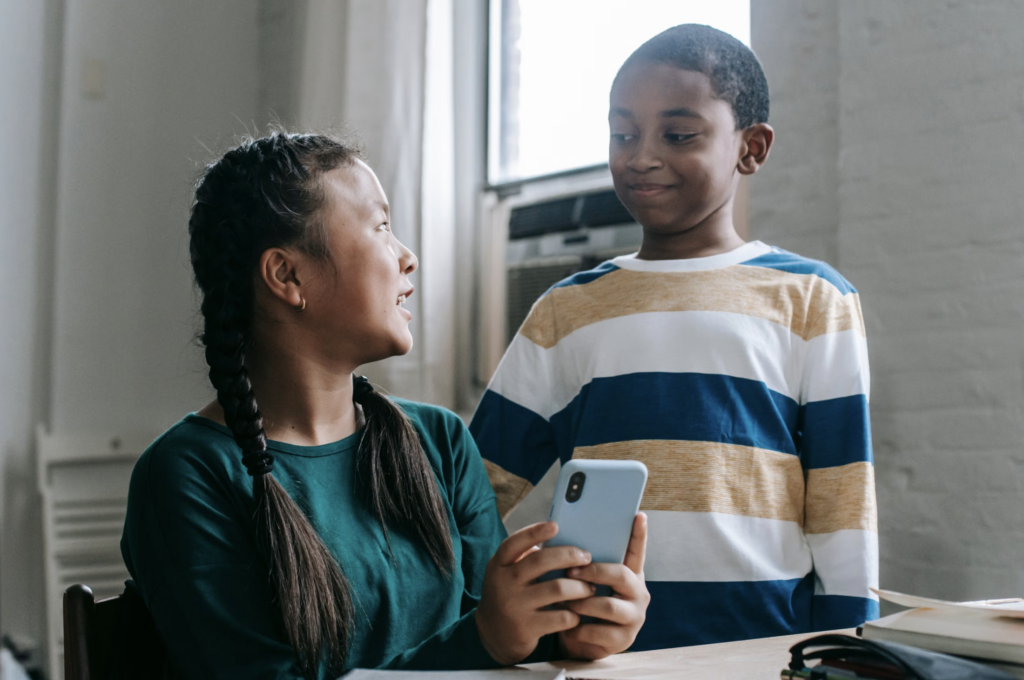
Photo by Katerina Holmes on pexels https://www.pexels.com/photo/multiethnic-schoolchildren-watching-video-on-smartphone-during-break-in-classroom-5905504/
What?
During class on October 9th, we discussed the use of technology in the classroom and the impacts that come with this. Jesse Miller was our guest speaker for this class and his presentation was very informative and engaging. We focused on the advantages and disadvantages that come with social media in the classroom. He explained how our devices are used for out personal, social and professional lives. We also discussed many cases where educations did not use social media in a positive way. This presentation was also super helpful for me and my group members for our technology presentation in this class. We are doing our project on the topic of social media in the classroom and we definitely learnt a lot we can incorporate into our presentation.
So What?
It is important for us as educators to know how to work with social media as it is not going away anytime soon and is constantly evolving. We often hear parents, government and teachers expression many of the negatives that come with social media, which leads to them believing a phone ban is the best option for children. Rather Jesse explained that a banned is not going to do anything but mask the underlying issues. Instead we as educations must have student led discussions about social media concerns to educator children in how to use social media in a positive and safe way. For many students phones are used to support their learning by using music, timers or photographing in classes. In saying this we also investigated recent cases on teachers in the classroom crossing professional boundaries and in these cases children’s phones may be used as a safety parameter.
Now What?
Moving forward, I will have open discussions in my classroom to educate my students in being responsible on the web. I will do this by leading with open ended questions such as “what does social media mean to you”, “how do adults in your life use social media”, and “how does social media make you feel”. During this discussion I will create a space that is accepting, safe, inclusive and supportive. I will also educate parents in how to have these conversations about internet safety online. Lastly, I will advocate for a focus on education rather than bans to help our children safe rather than naive.
Reflection #4 – Working with Graphics and Video in Learning Design
Picture Attribute
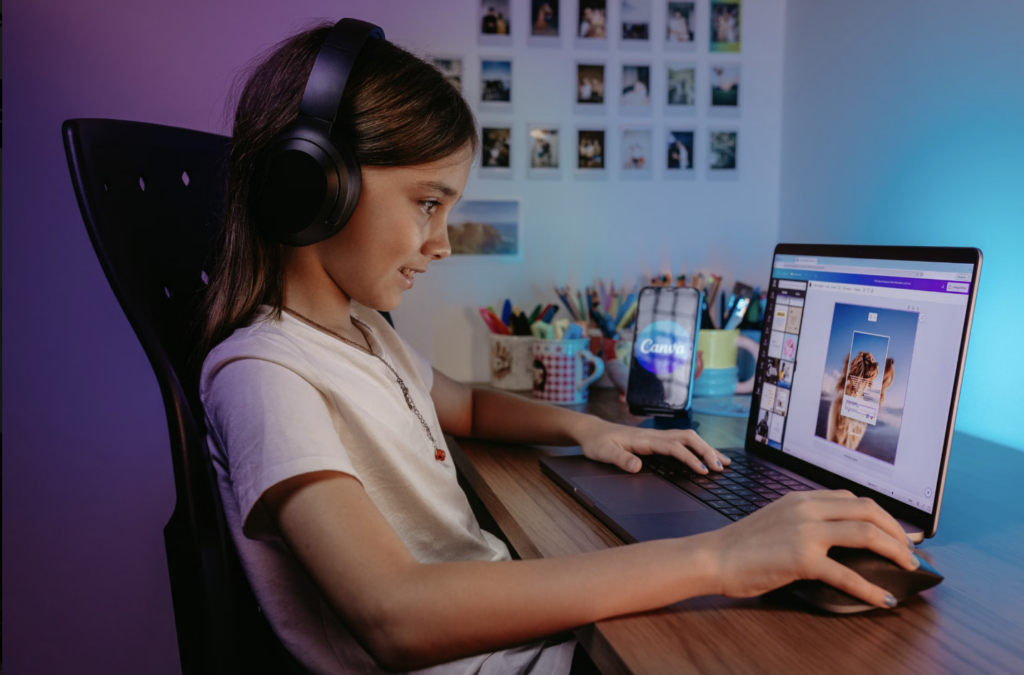
Photo by Jonathan Borba on pexels https://www.pexels.com/photo/child-in-headphones-using-laptop-17771084/
What?
What?
During our class on October 16th, we discussed the importance of incorporating multimedia into our learning strategies. We talked about multimedia, multimedia learning and multimedia instructions. We then discussed intrinsic load (sequence and scaffold the material), extraneous load (remove clutter, integrated text and visuals) and germane load (encourage deep processing and schema construction). We had a conversation about when graphics and images are important in our teaching practice. Some points classmates mentioned where how creating examples are important to motivate students, the aspect of making platforms visual and appealing and the aspect of pulling objects into the classroom from the outside world. These examples make learning more well-rounded and meaningful.
So What?
It is important for us as educators to create various forms of visual and auditory learning as each student will grasp and absorb different forms of information. Often in elementary school visual aspects are important as many students do not yet understand written text. Children are also drawn towards colours as it can help group different information to make more sense for many children. Video can also be a great resource for teachers to incorporate into their classrooms. Many kids get very excited and motivated when they get to watch a video or movie in the classroom (often times they do not realize they are learning through this). Videos are great because we as educators can review, stop and rewatch a video to emphasize on important aspects of the video. Another great motivator is getting students to create their own videos to demonstrate their learning. Also we as educators can create our own videos to educator our students. We can use slow motion, time lapse, simulations, 360 views, and GIFs to expand our kids learning.
Now What?
Moving forward into becoming a future teacher I will incorporate visual and auditory aspects into my lessons to broaden students understanding. I will use platforms such as PowerPoint, Canva or edwordle to create resources. These platforms are great because they are completely customizable and for the most have many free aspects. Through PowerPoint we can use SmartArt and 3D models to add to our presentations and make it more interactive and exciting for our students. I will make sure as I move towards my career that I have clear, concise and engaging lessons for my students and recognize my approaches might have to be changed depending on the group of students.
Reflection #5 – Outdoor Education with Technology
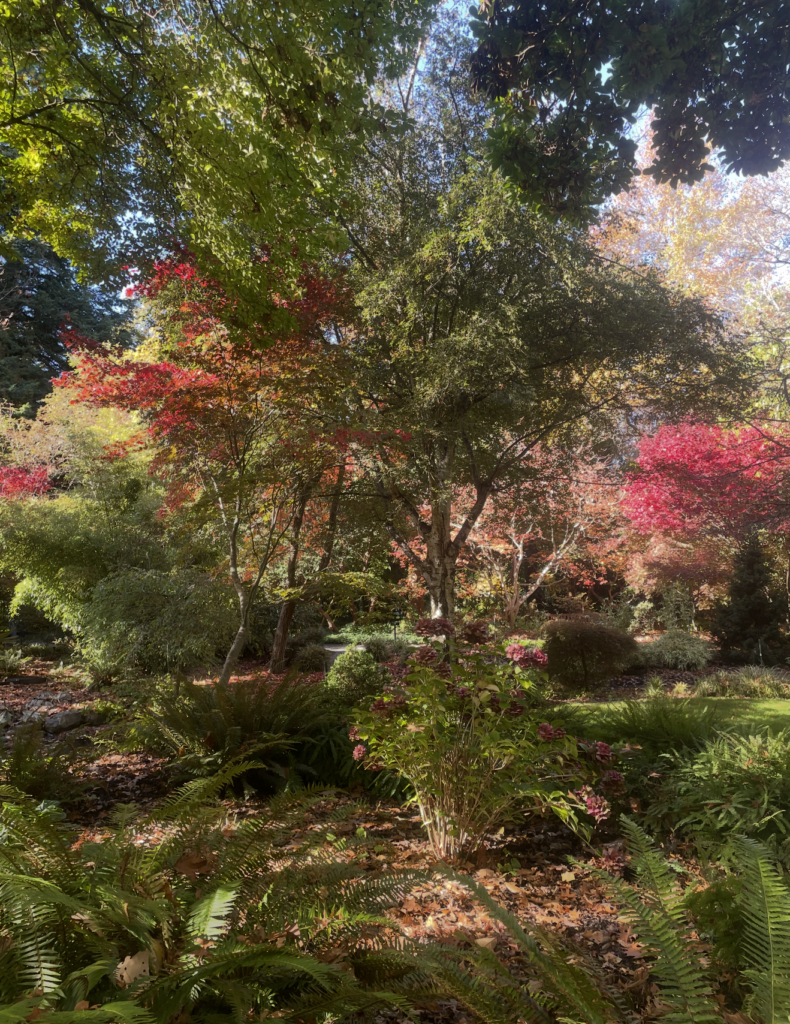
Picture Attribute
I took from our field trip to the Finnerty Gardens at UVic
What?
Today we got the opportunity to have our class in person at the Finnerty Gardens at UVic. We had a guest speaker, Kirsten Pierce who is a grade seven teacher at montessori middle school here in Victoria. She also was a graduate student here at UVic, where she did her work on outdoor education. Moving on to our class today we explored how you can connect technology to the outdoor beauty that surrounds us. For example, we can explore something as simple as the grass around us and incorporate this concept int science, writing, social studies and physical education. Through outdoor education we can incorporate the use of technology through photographs, identification apps, IMovie and more!
So What?
It is important that we as educators incorportate land-based learning and outdoor education more frequently. By doing this students are often more motivated and content during their learning processes. As we bring our classes into the outdoors we must reflect on the history on the outdoor space around us. We must think about the people that shared this land before us as well as the people that will be here after us. By using the technologies and resources available to us we can broaden out students view about the space around us rather then just the space within the four classroom walls.
Now What?
Moving forward, I look forward to bring my class into the outdoor spaces around us. One of my goals is to incorporate the First Peoples Principles of Learning (FPPL) as much as possible in my practice and I will do this through outdoor education. I will both bring outdoor objects into the classroom to explore and bring out note books and classworks into the outdoor space. I will get students to use apps in our classroom such as Leafsnap, OceanConnect, Windy, and iNaturalist. This way I am able to pull nature to our online world. In saying this, two concepts students enjoy the most is the outdoors and technology. By pulling these two concepts today, I believe I could create a wonderful learning environment for all.